Welcome to the Q-Consultation Developer Docs!
This documentation contains all technical documentation related to the setup, deployment, update and customization of your Q-Consultation application.
You can directly head to the Quick Start!
Q-Consultation is a web application for online chat and video consultations. The app provides code to build a secure means to hold virtual private meetings and video calls and messaging across a multitude of use cases including telehealth, recruitment, social engagement, finance, online education, e-commerce, and more. The application is built on React JS and consists of three major parts: QuickBlox back-end and two web applications for Client and Provider.
Operating system compatibility:
- Windows 10
- macOS Mojave
- Ubuntu LTS/Debian 9.x
Browser compatibility:
- Chrome (Desktop & Mobile): 109+
- Firefox (Desktop & Mobile): 109+
- Safari (Desktop & Mobile): 16.3+
- Opera (Desktop): 95+
- Edge (Desktop): 109+
Please note that Q-Consultation may work on other browsers and operating systems, but these are not tested, not officially supported at this time.
Features list
Communication features:
- Real-time Chat & Messaging
- Video & audio calling
- File sharing
- Call recording
- Camera Input selection
- Private chat rooms
- Screen Sharing
User Management features:
- User authentication
- Real-time customer queue
- Virtual waiting & meeting rooms
- Customer and provider profiles
- Invitation sharing by link, email, & text
- Capture user data, add, share, send notes, and share files
- Appointment, message, and call history
Interface
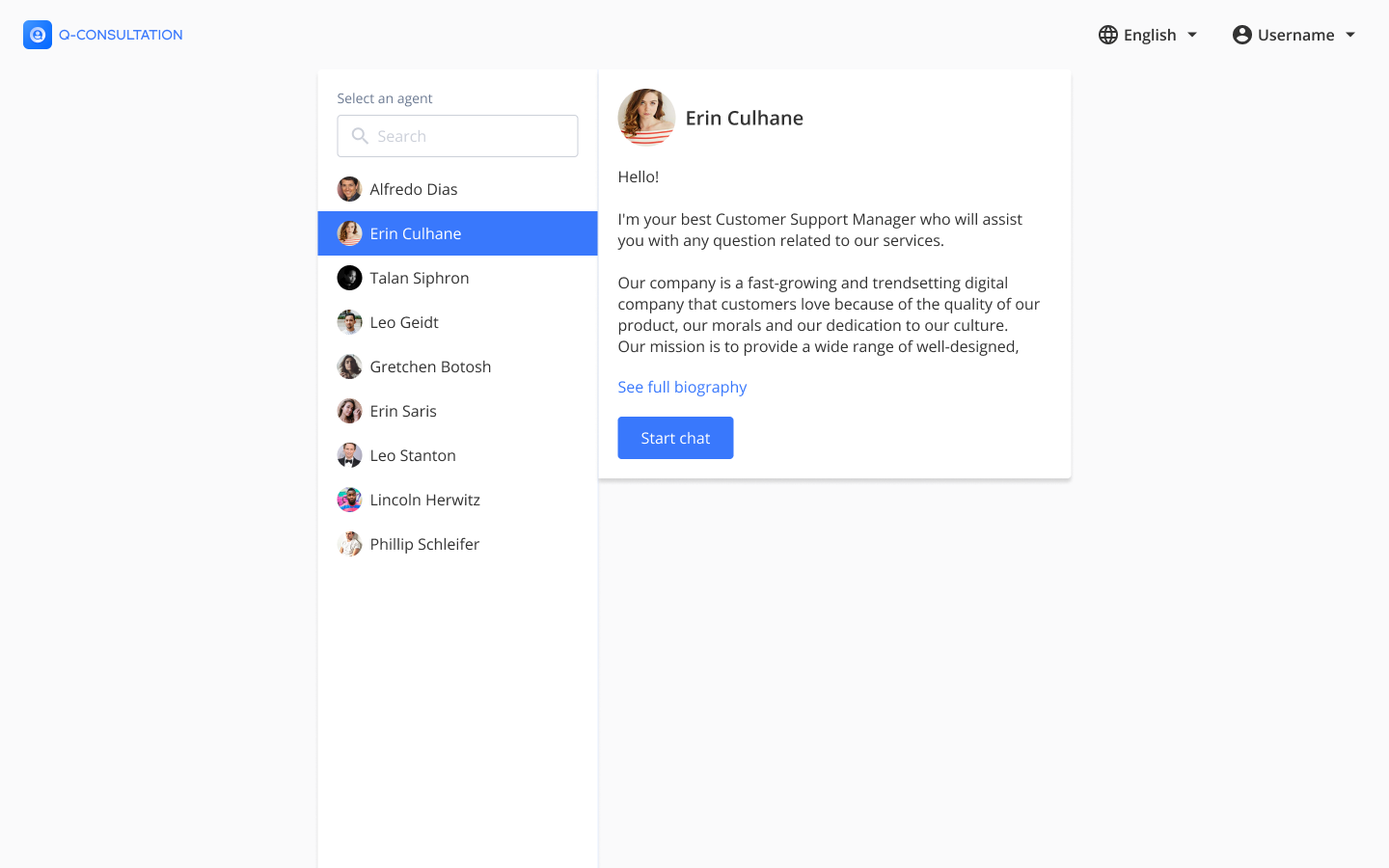
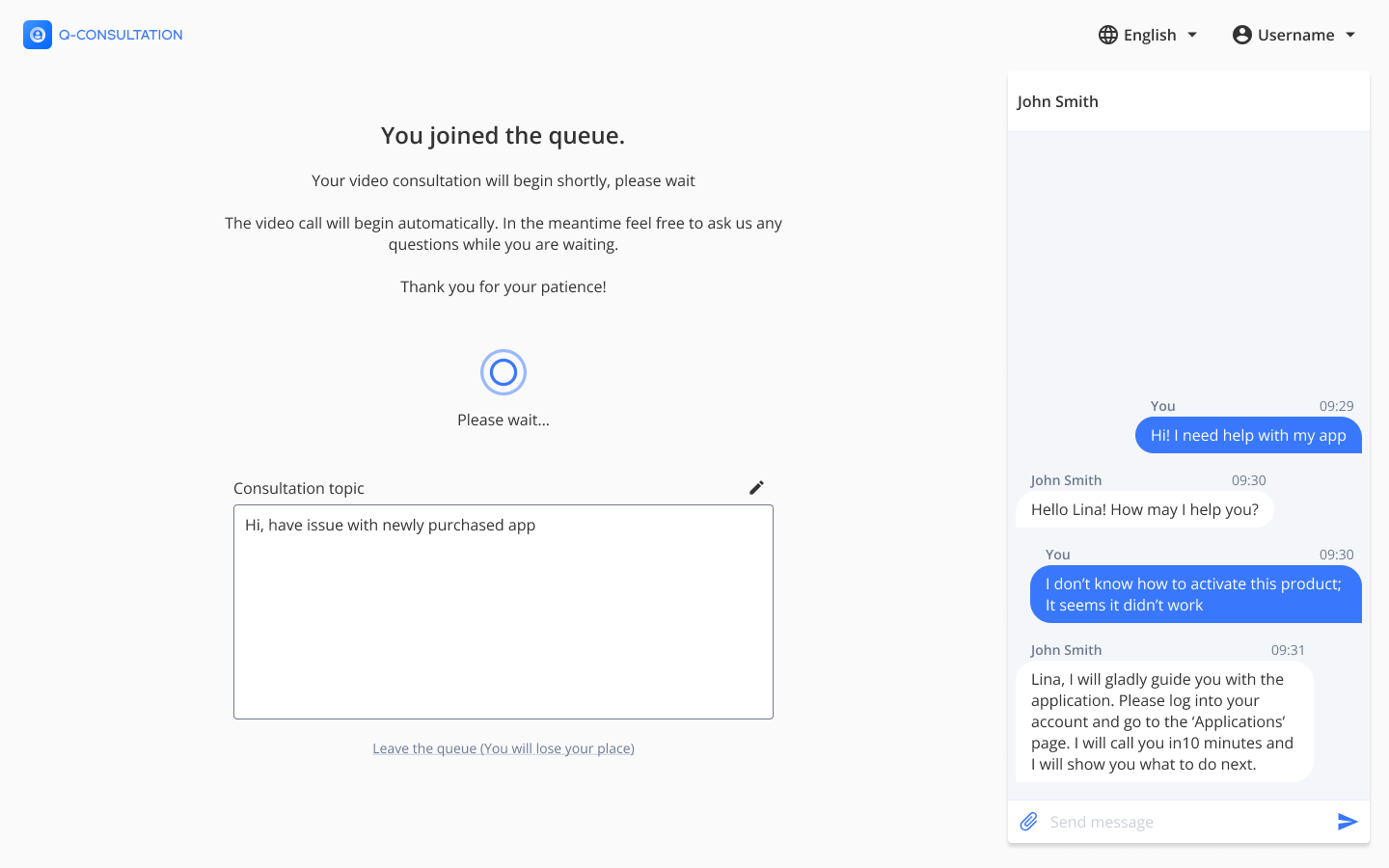
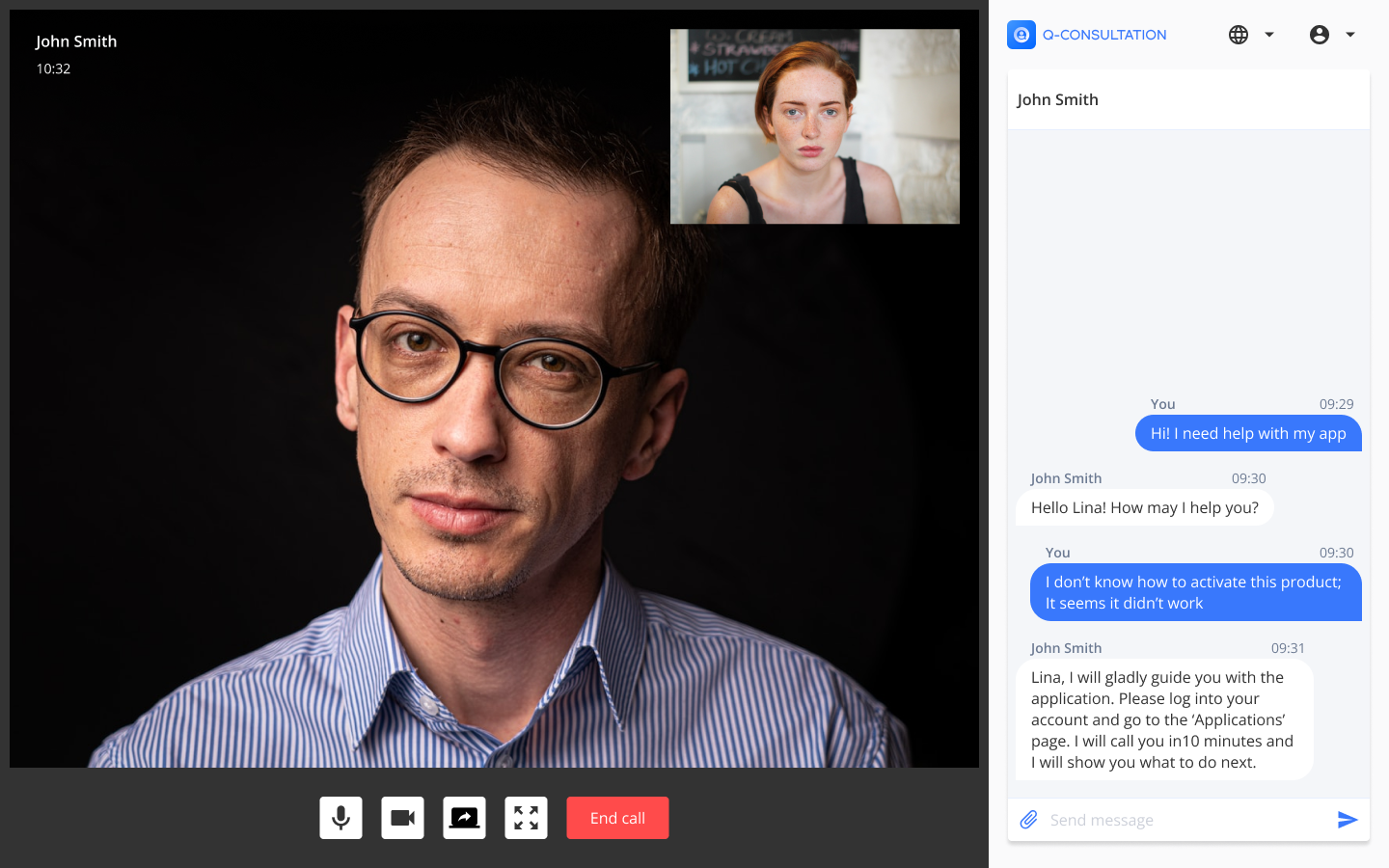
Client application interface
Provider application interface


How to contribute
See more information at CONTRIBUTING
License
See the LICENSE file for licensing information.